 Image
ImageAt first glance, ImageToPrompt and PromptHero both sit in the "AI prompt tools" category. But they solve fundamentally different problems. One takes your image and outputs a prompt. The other takes a keyword and shows you prompts other people wrote. Understanding which use case you actually have will save you a lot of time.
Quick Verdict: If you have an image you want to recreate or repurpose → ImageToPrompt. If you want to browse existing prompts for inspiration → PromptHero.
What Is Each Tool?
ImageToPrompt is an AI-powered reverse-engineering tool. You upload any image — a photograph, artwork, screenshot, product shot, or reference image — and Claude AI analyzes it across multiple dimensions: subject, composition, lighting, color palette, mood, and style. It then outputs optimized, model-specific prompts for 7 AI image generators: Midjourney, Stable Diffusion, Flux, DALL-E 3, Adobe Firefly, Leonardo AI, and Ideogram. No login required, completely free, and outputs are available in 10 languages.
PromptHero is a community-driven prompt search engine and library. Users submit prompts alongside the images they generated, and you can search by keyword to find prompts for styles, subjects, or aesthetics you're interested in. Think of it as a Pinterest for AI-generated images where you can also see and copy the exact prompt that created each image. It supports Midjourney, Stable Diffusion, and DALL-E prompts primarily.
Feature Comparison
| Feature | ImageToPrompt | PromptHero |
|---|---|---|
| Primary function | Image → Prompt (reverse engineering) | Browse existing community prompts |
| Model support | 7 models (MJ, SD, Flux, DALL-E, Firefly, Leonardo, Ideogram) | Midjourney, SD, DALL-E |
| Works from YOUR image | ✅ Yes | ❌ No |
| Price | Free | Free (Pro plans available) |
| Login required | ❌ No | No (account for saving) |
| Negative prompts | ✅ Yes (SD) | Manual |
| Output languages | 10 languages | English only |
| Color palette analysis | ✅ Yes | ❌ No |
| Style tags | ✅ Yes | Browse tags |
| API access | ❌ No | ❌ No |
| Mobile friendly | ✅ Yes | ✅ Yes |
When to Use ImageToPrompt
ImageToPrompt is the right tool when you are starting from a visual reference rather than a concept:
- Recreating an image: You found an image online — a painting, a photo, a screenshot from a movie — and you want to generate something similar. Upload it and get a ready-to-use prompt with the right model-specific syntax.
- Converting a photo to art: You have your own photograph and want to transform it into a Midjourney illustration, a Flux cinematic render, or a Stable Diffusion oil painting. The tool extracts the composition and mood so the AI model knows exactly what to produce.
- Getting model-specific syntax right: Each AI model has its own dialect. Midjourney needs
--arand--v 6.1. Stable Diffusion needs negative prompts and CFG guidance. ImageToPrompt handles all of this automatically so you don't need to memorize each model's syntax.
When to Use PromptHero
PromptHero shines when you are at the inspiration phase rather than the recreation phase:
- Browsing for inspiration: You know you want to create "something fantasy" but aren't sure what. PromptHero's gallery lets you visually browse thousands of community creations and click into the ones you like to see the full prompt.
- Finding prompts for a specific style: If you want to replicate a particular aesthetic — say, "neon noir cyberpunk portrait" — PromptHero likely has dozens of prompts already proven to produce that style. It's faster than experimenting from scratch.
- Community sharing and discovery: PromptHero has a social layer. You can follow creators, see trending prompts, and discover emerging styles before they're everywhere. It's genuinely useful as a trend-watching tool for AI art.
Verdict
For anyone who regularly works with reference images — designers recreating client briefs, photographers adapting their shots to AI art, or creators who collect visual inspiration — ImageToPrompt is the clear winner. Its ability to analyze any uploaded image and produce ready-to-use prompts for 7 different models is a capability that PromptHero simply doesn't have. The multi-model support and 10-language output also make it significantly more versatile for professional and international use.
PromptHero is genuinely excellent for what it does — browsing, discovering, and stealing inspiration from community-submitted prompts. But it's a complement to a generation workflow, not a way to start from your own images. Use both if you want: PromptHero for trend discovery, ImageToPrompt when you have an actual image to work from.
See It in Action — Same Image, 4 Models
Upload one reference image to ImageToPrompt and get optimized prompts for every major AI model simultaneously. Here's an example of the same source image processed for Midjourney, Stable Diffusion, Flux, and DALL·E 3:
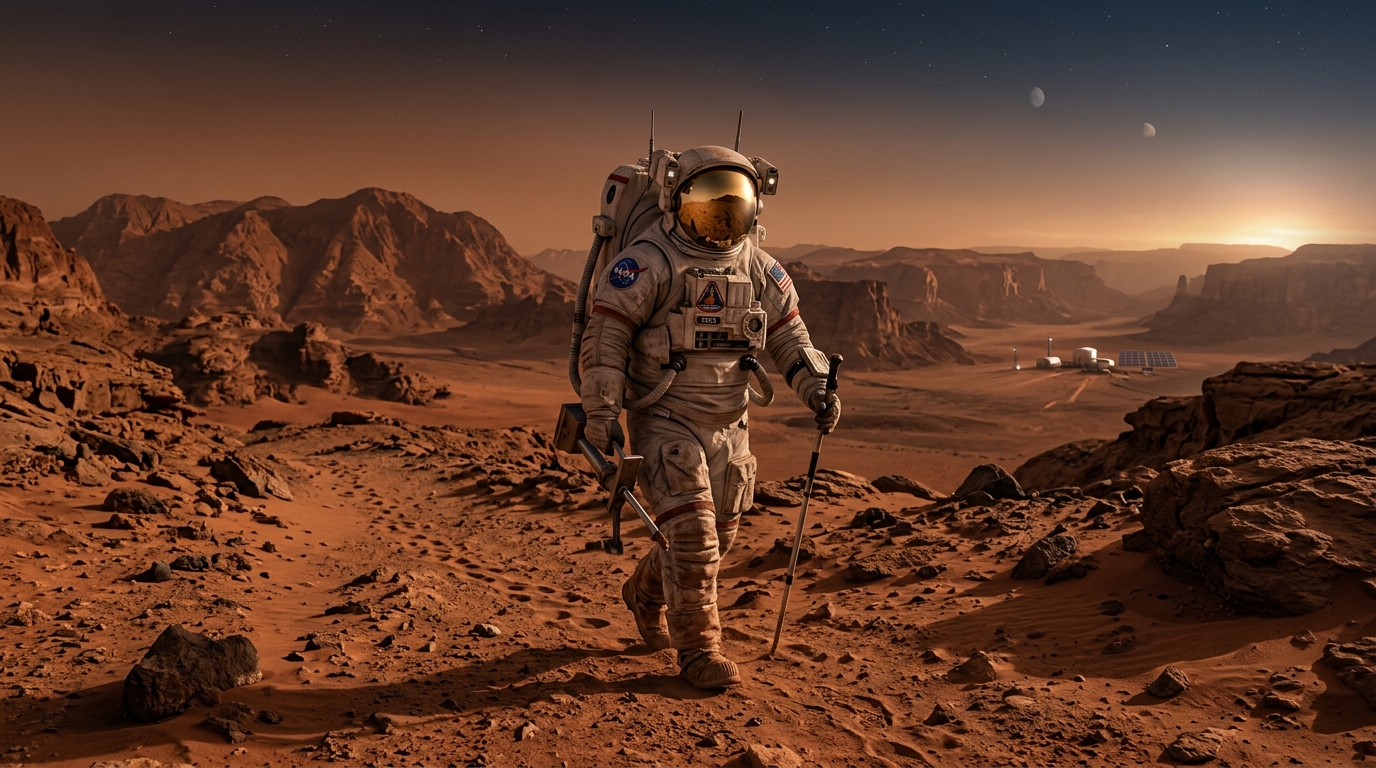
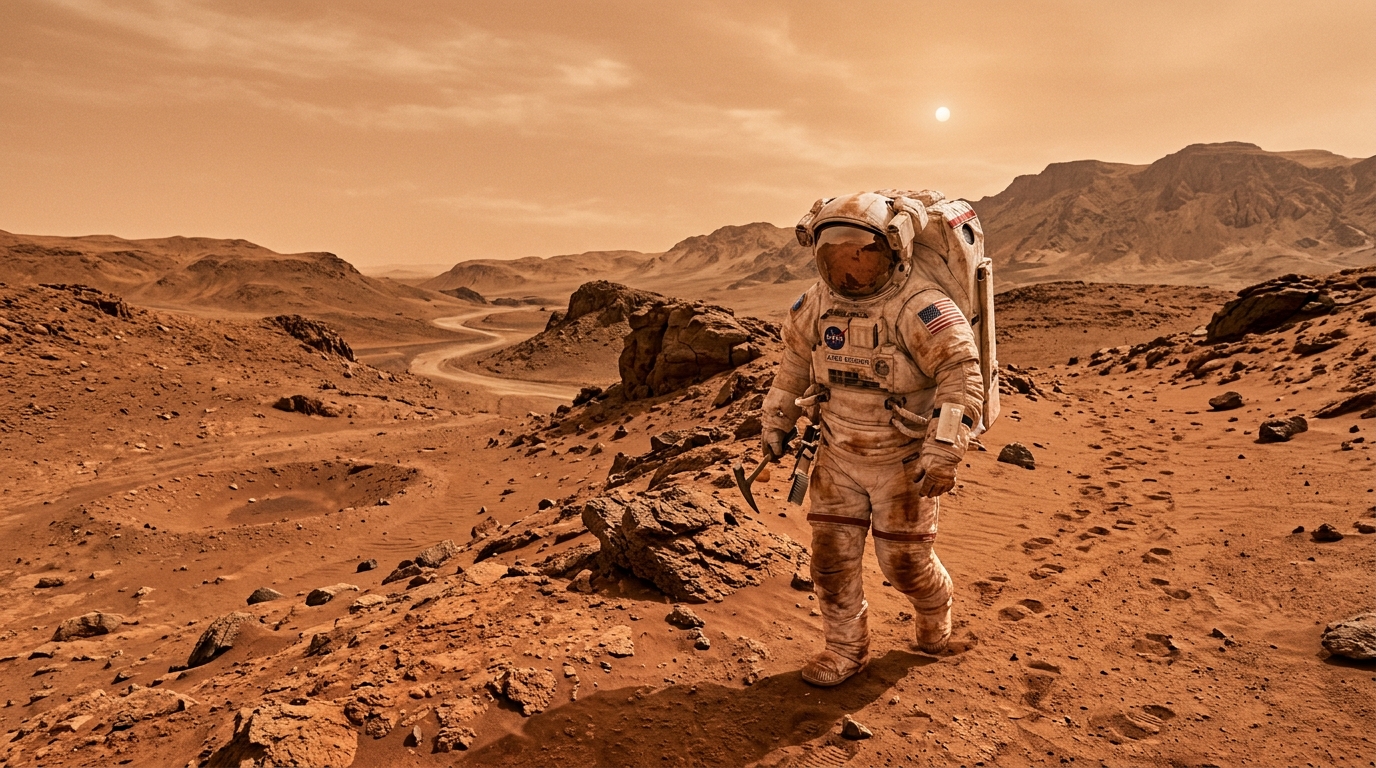
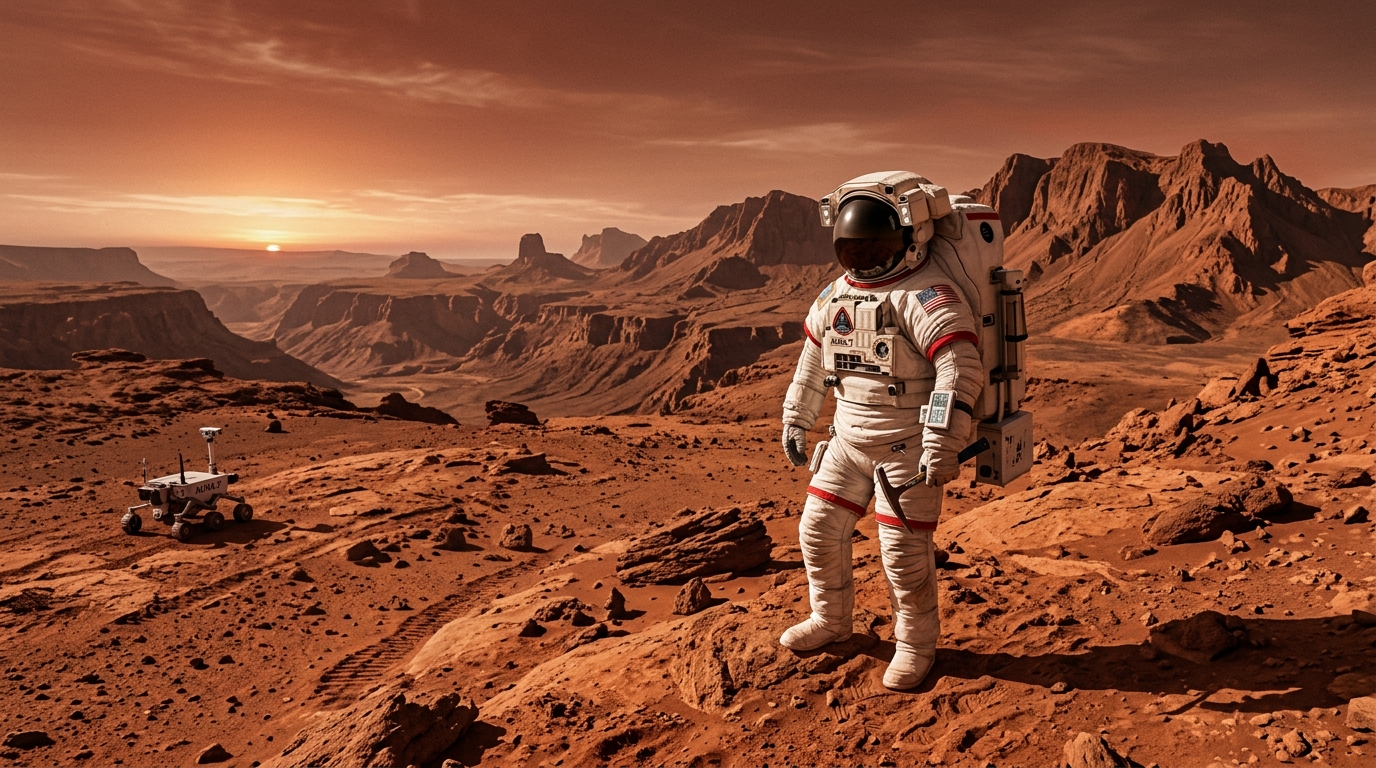
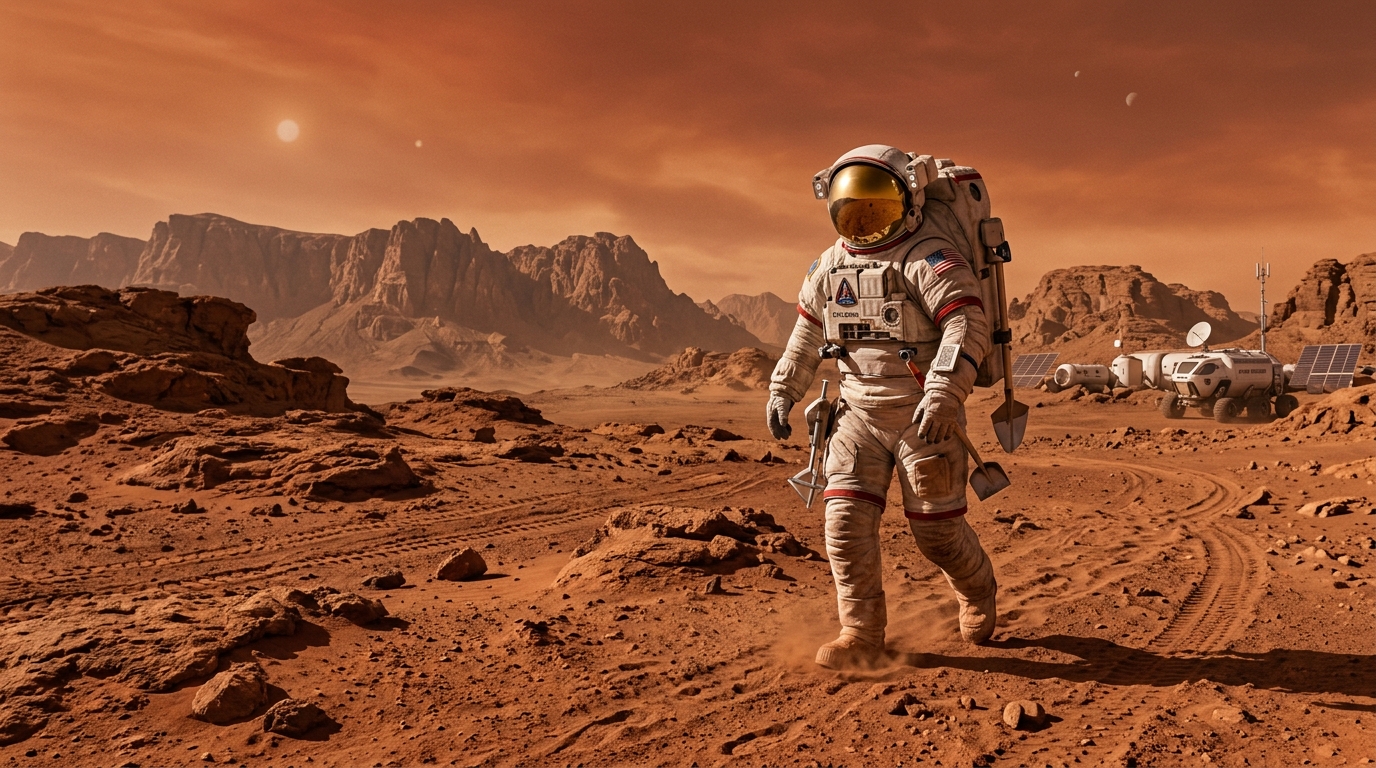
One upload → four model-specific prompts → four unique outputs. PromptHero can't do this.
Try ImageToPrompt Free
Upload any image and get optimized prompts for 7 AI models — no login, no subscription, no limits on what you can upload.
Generate Prompts Free →Frequently Asked Questions
Is ImageToPrompt better than PromptHero?
They serve fundamentally different purposes. ImageToPrompt is a reverse-engineering tool — you upload your own image and it generates an optimized prompt for 7 AI models. PromptHero is a community-driven prompt library where you browse existing prompts. If you need to start from your own image, ImageToPrompt wins. For browsing inspiration, PromptHero is the better fit.
Is PromptHero free?
Yes, PromptHero has a free tier that lets you browse and search its prompt library without an account. It also offers optional Pro plans with additional features like saving prompts and higher search limits. The core browsing experience is free.
Can PromptHero reverse engineer prompts from images?
No. PromptHero does not have an image-to-prompt feature. It only lets you search through its existing database of community-submitted prompts. If you want to upload your own image and get a prompt back, you need ImageToPrompt, which uses Claude AI to analyze any image and generate model-specific prompts for Midjourney, Stable Diffusion, Flux, DALL-E 3, Adobe Firefly, Leonardo AI, and Ideogram.