 Image
ImageAsk any experienced AI artist how long they spend crafting a single prompt and the answer is usually uncomfortable: 10 to 20 minutes for something genuinely good. That's time spent searching for the right descriptors, looking up model-specific parameters, testing iterations, and wondering why "dramatic lighting" isn't doing what you expected. Image-to-prompt tools collapse that process to approximately 10 seconds. Here's a clear-eyed comparison of both approaches.
Quick Verdict: For 90% of users and use cases, image-to-prompt is faster, more consistent, and produces better first-attempt results. Manual writing still wins for experienced practitioners with a highly specific creative vision — but even they benefit from starting with a generated prompt as scaffolding.
The Manual Prompt Writing Process
Manual prompt writing sounds simple — you type what you want. But producing a prompt that consistently generates a specific visual result involves a longer chain of steps than most beginners anticipate:
- Find or recall a reference image that represents what you're trying to create.
- Identify the key visual attributes — subject, setting, lighting, color palette, mood, artistic style, composition.
- Translate those attributes into prompt vocabulary — the exact words that each specific AI model responds to well. "Cinematic lighting" works differently in Midjourney vs Stable Diffusion vs Flux.
- Add model-specific parameters —
--ar 16:9 --v 6.1for Midjourney, negative prompts and CFG guidance for SD, and so on. - Test the prompt and evaluate the output against your reference vision.
- Iterate — adjust descriptors, swap synonyms, tweak parameters — until the output matches your intent.
This process is genuinely valuable for learning. You develop a deep understanding of how specific words affect specific models. But it's slow, inconsistent across skill levels, and requires separate mastery for each model you use.
The Image-to-Prompt Approach
The image-to-prompt workflow reduces this to four steps that take under a minute:
- Find or photograph your reference image — a mood board image, a photo you took, a screenshot from anywhere.
- Upload it to ImageToPrompt (drag and drop into the browser).
- Select your target model — Midjourney, Flux, Stable Diffusion, DALL-E 3, or any of the 7 supported.
- Copy the generated prompt and paste it directly into your AI tool.
The AI analysis captures details you might not think to include — specific lighting angles, secondary color palette notes, compositional balance observations, mood descriptors drawn from the actual image rather than a verbal approximation of it. The result is a richer starting prompt than most people write manually on their first attempt.
Comparison Table
| Aspect | Manual Writing | ImageToPrompt |
|---|---|---|
| Time per prompt | 10–20 minutes | ~10 seconds |
| Accuracy to reference | Depends on experience | Consistent AI analysis |
| Learning curve | High — months of practice | None |
| Model-specific syntax | Must memorize per model | ✅ Auto-generated |
| Consistency | Variable (skill-dependent) | High |
| Good for beginners | ❌ No | ✅ Yes |
| Creative control | Full | High (editable output) |
| Multi-model support | Manual reformatting needed | ✅ 7 models simultaneously |
| Negative prompts | Must write manually | ✅ Auto-generated (SD) |
| Cost | Time cost | Free |
| Works from visual reference | Indirect (you describe it) | ✅ Direct image analysis |
The Time Cost Is Larger Than It Looks
The gap between 10 seconds and 15 minutes seems abstract until you're working on a project that requires 20 or 30 prompt variations. At 15 minutes per prompt, that's 5–7 hours of writing work. At 10 seconds per prompt, it's under 5 minutes. For professional designers, social media managers, game developers, and anyone creating AI art at volume, image-to-prompt tools are not a convenience — they're a fundamental workflow change.
The consistency advantage is equally significant. A human prompt writer's output quality varies depending on how well they know the target model, how recently they used it, and how much they remember about its quirks. ImageToPrompt applies the same analytical process to every image, every time.
When Manual Writing Still Makes Sense
Manual prompt writing retains clear advantages in specific contexts:
- Highly experienced practitioners with a unique creative language: If you've spent months developing a specific prompt style and vocabulary that reliably produces your signature aesthetic, writing manually keeps that voice intact. AI-generated prompts are descriptive, not stylistically opinionated in the way an expert human writer can be.
- Highly abstract or conceptual prompts: "The feeling of forgetting someone's face" is not an image you can upload. For conceptual, metaphorical, or purely verbal creative prompts, manual writing is the only path.
- Complex prompt chains and workflows: Advanced Stable Diffusion workflows involving ControlNet, LoRA stacking, or inpainting prompts benefit from manual writing because they require understanding how different prompt segments interact with model components.
The Hybrid Approach: Best of Both Worlds
Many experienced practitioners use image-to-prompt tools not as a replacement for manual writing but as a first-draft generator. ImageToPrompt produces a strong analytical foundation — subject, composition, lighting, color, mood, parameters — and the human then layers in their specific creative intent on top. This hybrid approach cuts the initial research and formatting work down to seconds while preserving creative control over the final output.
A generated prompt that reads "cinematic portrait, warm amber lighting, shallow depth of field, film grain, 1970s color grade --ar 2:3 --v 6.1" is a much better starting point for manual editing than a blank text field.
Verdict
For roughly 90% of users — anyone who isn't a seasoned prompt engineering expert — image-to-prompt tools win decisively on speed, consistency, and output quality. The time savings compound quickly at any volume, and the multi-model support means you don't need to develop separate expertise for Midjourney, Stable Diffusion, Flux, and the rest.
Manual writing retains value for conceptual prompts, complex workflows, and users who have invested heavily in developing a specific prompt style. But even for them, using ImageToPrompt as a starting scaffold and editing from there is usually faster and more accurate than writing from scratch.
Reference → Prompt → Recreation
This is the workflow that takes 10 seconds with ImageToPrompt versus 15+ minutes manually. Upload a reference, get the prompt, recreate it in any AI model:
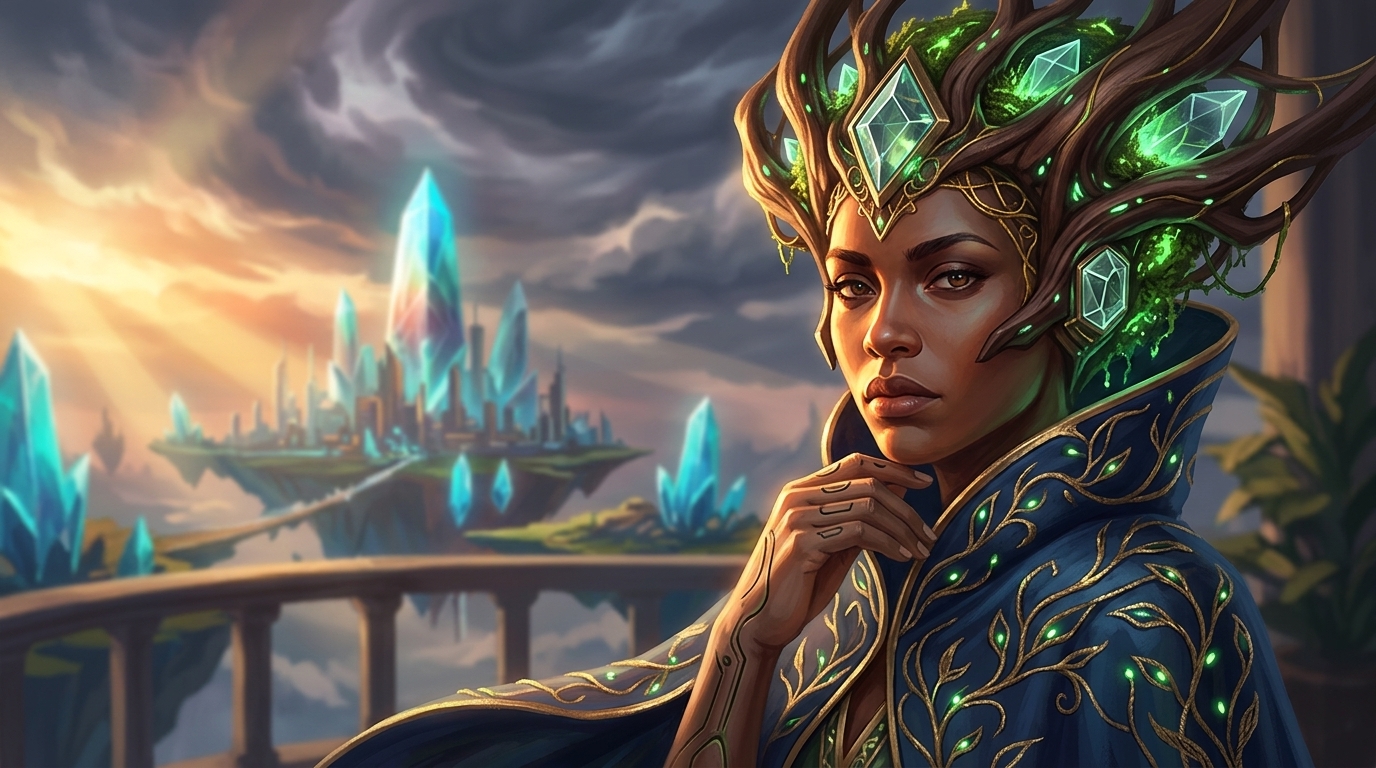
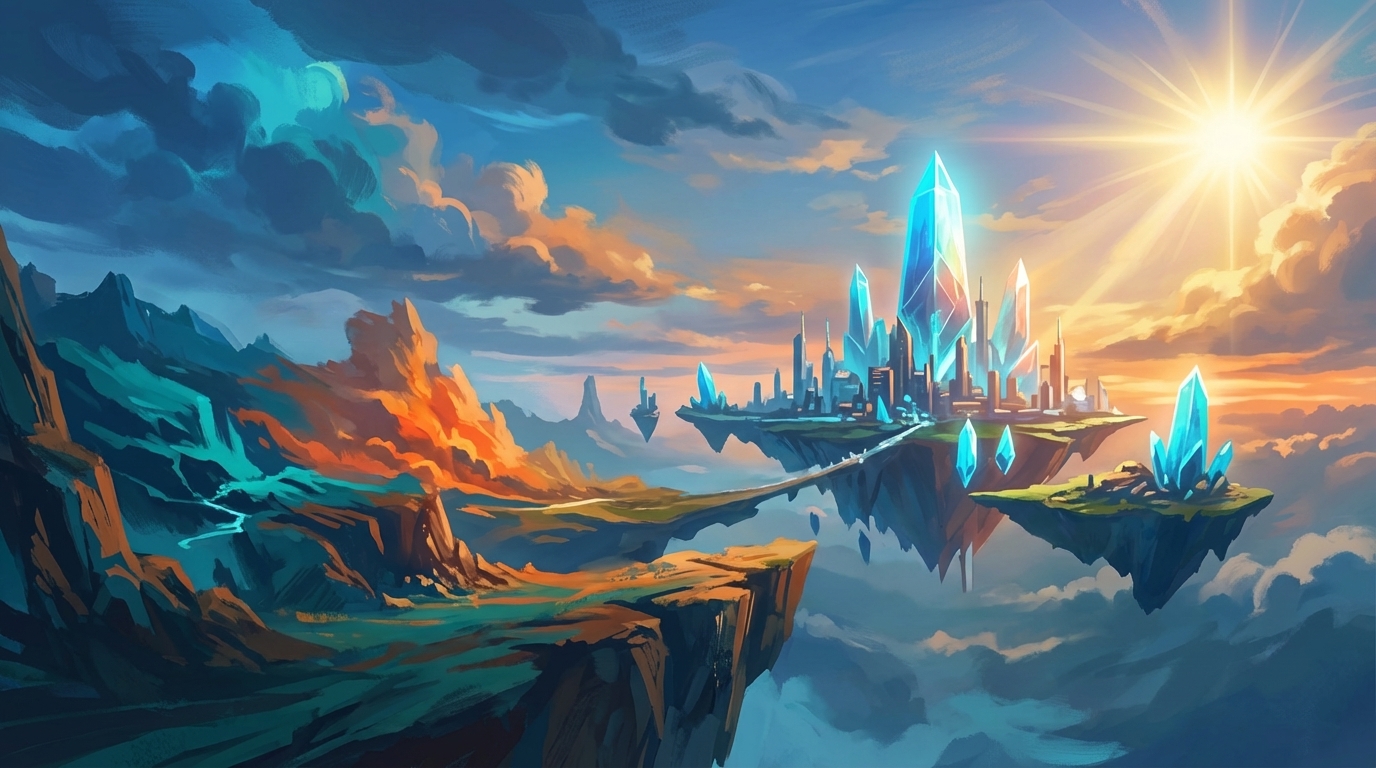
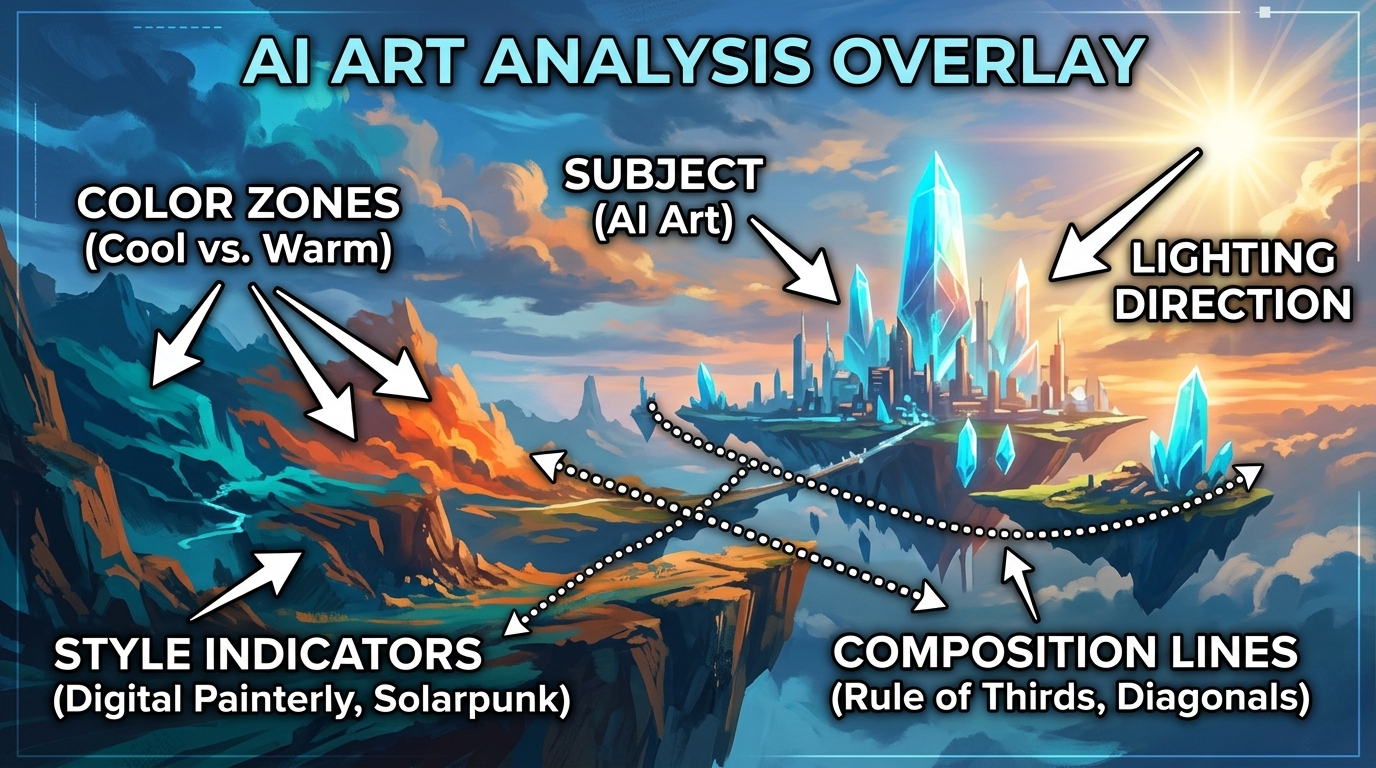
Manual writing requires you to reverse-engineer all of this yourself — lighting, composition, style, mood. ImageToPrompt does it in 10 seconds.
See the Difference for Yourself
Upload any image to ImageToPrompt and compare what the AI generates versus what you'd write manually. Free, no login required.
Try ImageToPrompt Free →Frequently Asked Questions
Is manual prompt writing better than AI-generated prompts?
It depends on your experience level and use case. For experienced prompt engineers, manual writing gives maximum creative control. For beginners and anyone working under time pressure, AI-generated prompts are consistently better — they capture more visual dimensions and apply model-specific syntax correctly from the start. The best approach for many practitioners is to use ImageToPrompt as a starting point, then manually refine the output.
How long does it take to learn prompt engineering?
Achieving consistent, high-quality results through manual prompt engineering typically takes 3–6 months of regular practice with a specific model. Each AI model — Midjourney, Stable Diffusion, Flux, DALL-E 3 — has its own syntax conventions and vocabulary preferences. Mastering all of them simultaneously is significantly harder. ImageToPrompt eliminates this learning curve by handling model-specific formatting automatically.
Can I edit the prompts generated by ImageToPrompt?
Yes, absolutely. ImageToPrompt's output is plain text you copy to your clipboard. You can edit, extend, shorten, or modify any part of the generated prompt before using it. Many users use ImageToPrompt as a starting scaffold — it handles the foundational analysis and syntax, then they add their specific creative touches on top. This hybrid approach combines the speed of AI generation with the control of manual editing.