What is Image to Video Prompting?
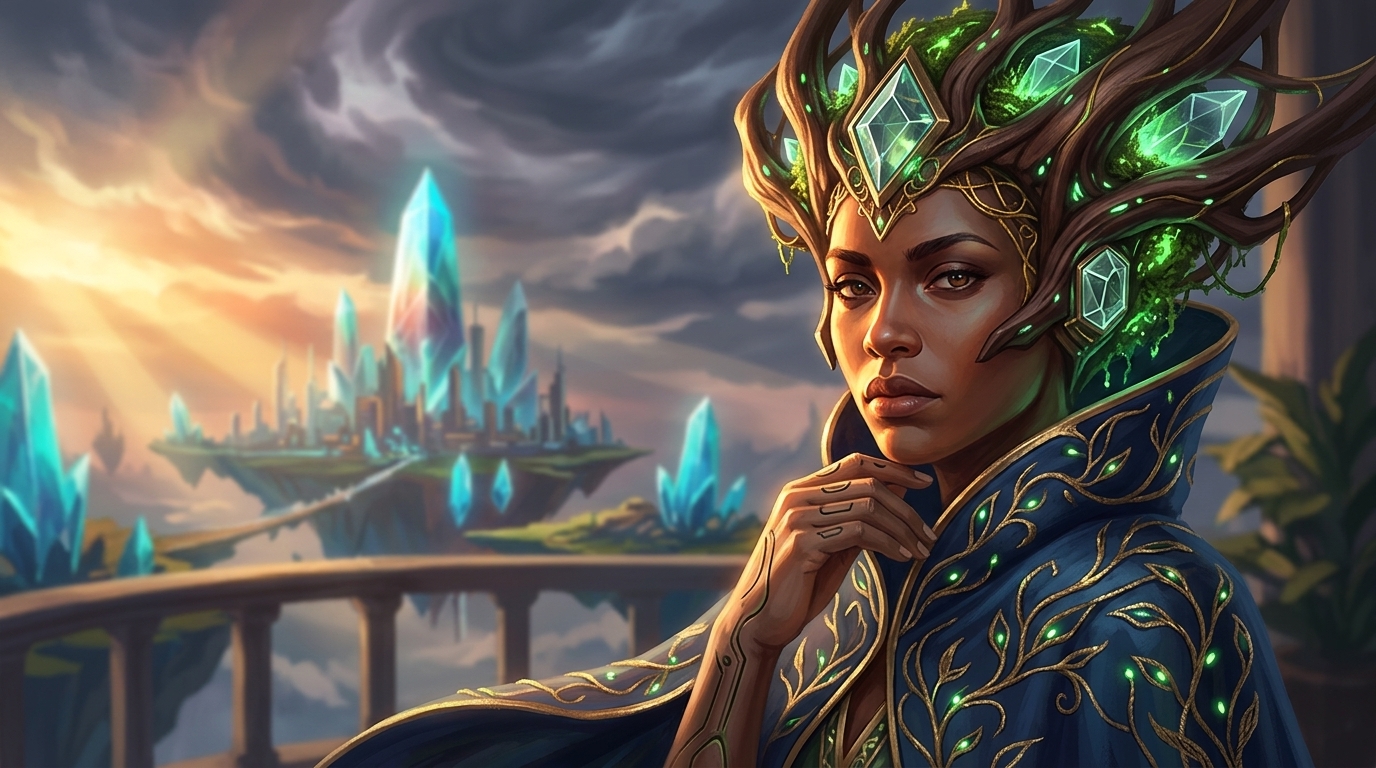
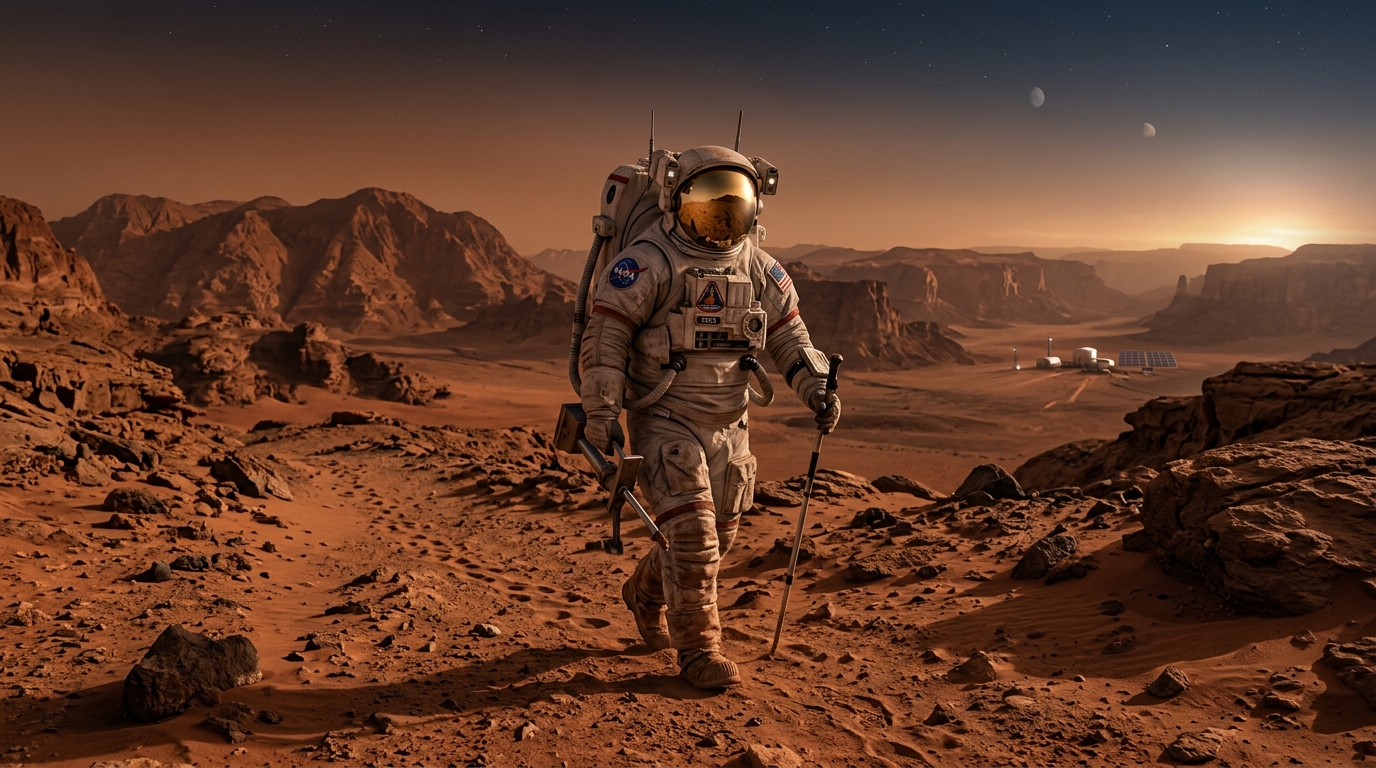
Image to video prompting is the process of starting with a still photograph or illustration and describing how you want that image to come to life as a video clip. Rather than generating a scene from scratch, you provide a reference frame — and the AI video model animates it according to your prompt.
The technique solves one of the hardest problems in AI video generation: maintaining visual consistency. When you generate video purely from text, the model invents every visual detail from scratch, making it difficult to produce footage that matches a specific look, character, or setting. By anchoring the generation to a reference image, the model inherits the existing composition, lighting, colors, and subjects — then adds motion on top.
This workflow is particularly powerful for creators who already have a visual identity: product photographers animating still shots, concept artists bringing illustrations to life, social media creators adding motion to brand photography, or filmmakers pre-visualizing scenes with reference stills. Upload your image, describe the motion you want, and our AI generates a prompt precisely tuned to the video model you are targeting.
Supported Video Models
Our image to video prompt generator creates optimized prompts for the eight leading AI video platforms. Each model has a distinct syntax preference, motion vocabulary, and set of parameters — our tool handles all of that automatically.
How to Write Great Image-to-Video Prompts
Effective image-to-video prompts follow a consistent structure that communicates four distinct layers of information to the model. Here is the framework our tool uses when generating your prompts:
- Describe the starting frame. Even though the model receives your image directly, a brief anchor description helps it interpret which elements to focus on. Identify the primary subject and the scene context — for example, "woman in red jacket standing at a rain-wet street corner at dusk." This grounds the prompt and prevents the model from inventing competing interpretations of the image.
- Specify the motion explicitly. This is the most critical element. Be precise about what moves, how it moves, and at what speed. "Hair blowing gently in wind" is far more effective than "add some movement." Distinguish between primary motion (the main action) and secondary motion (ambient details like leaves rustling or fabric settling). Separate subject motion from camera motion clearly — many beginners conflate the two.
- Add camera movement. AI video models treat camera motion as a first-class parameter. Common camera moves include: slow push-in (dolly forward), pull-back reveal, tracking shot following the subject, pan left or right, tilt up or down, orbit around subject, and aerial descent. If you want the camera to stay still, state it explicitly with "static camera, locked off."
- Set the mood and style. Closing modifiers shape the overall aesthetic of the output. Include lighting quality ("soft golden-hour light," "harsh overhead fluorescent"), atmosphere ("misty," "hazy," "crystal clear"), and if relevant a stylistic reference ("cinematic," "documentary," "dreamy"). For models like Runway that accept duration hints, add the target clip length at the end: "5 seconds, cinematic."
Woman in red jacket at rain-wet street corner at dusk, hair and jacket moving gently in wind, slow push-in toward face, rain falling softly, warm lamplight reflecting on wet pavement, 5 seconds, cinematic
Our tool analyzes your uploaded image and generates a prompt that follows this structure, tailored to the specific vocabulary and parameter preferences of whichever video model you select.
Why Use a Dedicated Image-to-Video Prompt Tool?
Writing prompts that work well with AI video models requires a different skill set than writing image generation prompts. Image models are relatively forgiving of vague descriptions — they will fill in the gaps with plausible details. Video models are less forgiving: vague motion descriptions produce jittery, incoherent clips, while precise motion descriptions produce smooth, intentional-looking results.
The challenge is compounded by the fact that each of the eight major video platforms has developed its own prompt vocabulary. Veo responds to natural narrative prose. Runway responds well to cinematic shorthand. Pika has specific modifier keywords. Kling prefers structured descriptions with explicit duration. Writing effective prompts for all of them from scratch would require learning each platform's quirks individually.
Our tool does this work for you. When you upload your image and select a target model, our AI analyzes the visual content — subjects, composition, lighting, setting, implied motion potential — and generates a prompt that speaks the model's language. You get a production-ready prompt you can paste directly into your video platform, without needing to master the syntax of each tool.
Frequently Asked Questions
Which video model is best for image-to-video generation?
The best model depends on your use case. Google Veo 2 and Kling AI lead for photorealistic motion and faithful subject preservation. Runway Gen-3 Alpha excels at creative stylized motion. Luma Dream Machine is a strong all-rounder for general-purpose image animation. Our tool lets you generate prompts optimized for each model so you can compare results.
How long can my generated video clips be?
Clip length varies by model. Most AI video generators currently produce clips between 3 and 10 seconds from a single prompt. Veo 2 supports up to 8 seconds, Kling AI up to 5–10 seconds depending on tier, Runway Gen-3 Alpha produces 4-second clips, and Pika 1.5 generates up to 3 seconds. Longer videos can be created by chaining clips together in platforms like Flow Studio or Runway.
What image formats can I upload?
ImageToPrompt accepts JPEG, PNG, WebP, and GIF image formats. For best results, upload a clear, well-lit image at a resolution of at least 512×512 pixels. Higher-resolution images give the AI model more detail to work with when generating the motion description.
Is this tool free to use?
Yes, ImageToPrompt is completely free to use. You can generate up to 10 video prompts per day without creating an account or providing any payment information. The prompts themselves are ready to paste directly into your chosen AI video platform.