What is Stable Video Diffusion?
Stable Video Diffusion (SVD) is Stability AI's open-source video generation model. Unlike commercial video models that run in the cloud, SVD can be downloaded and run entirely on your own hardware — making it the model of choice for developers, researchers, privacy-conscious creators, and anyone who wants full control over their video generation pipeline.
SVD comes in two variants: the original SVD (14 frames, up to 576×1024) and SVD-XT (25 frames, same resolution). SVD-XT produces longer, smoother animations and is generally preferred when hardware allows. Both models work as image-to-video generators: you supply a conditioning image as the first frame, then describe the motion you want to apply to it.
SVD Technical Parameters
Unlike text-heavy video models, SVD's behavior is largely shaped by numerical parameters alongside a motion description. Understanding these gives you precise control:
motion_bucket_idfps_idaugmentation_levelSVD Strengths
- Open source / self-hosted: Full control, no API costs, offline-capable, and privacy-preserving for sensitive content.
- Customizable via fine-tuning: SVD can be fine-tuned on custom datasets for domain-specific animation styles — used in VFX pipelines and creative tooling.
- Works well with image conditioning: Because it's designed around a reference frame, you always know exactly what your starting visual will be.
- ComfyUI and SD WebUI integration: Mature ecosystem with extensive community nodes, extensions, and workflows for SVD.
- Controllable motion:
motion_bucket_idprovides deterministic control over motion intensity that most commercial models don't expose.
Example SVD Prompt Structures
Nature Scene — Forest Path
Reference frame: forest path in morning. Motion: gentle camera push-in along path, leaves swaying, light shifting through canopy. motion_bucket_id: 80, fps: 8, 3 seconds
A moderate motion_bucket_id of 80 produces natural ambient movement. The camera push-in combined with environmental motion (leaves, light) creates a cinematic result without over-dramatizing the simple scene.
Portrait — Subtle Animation
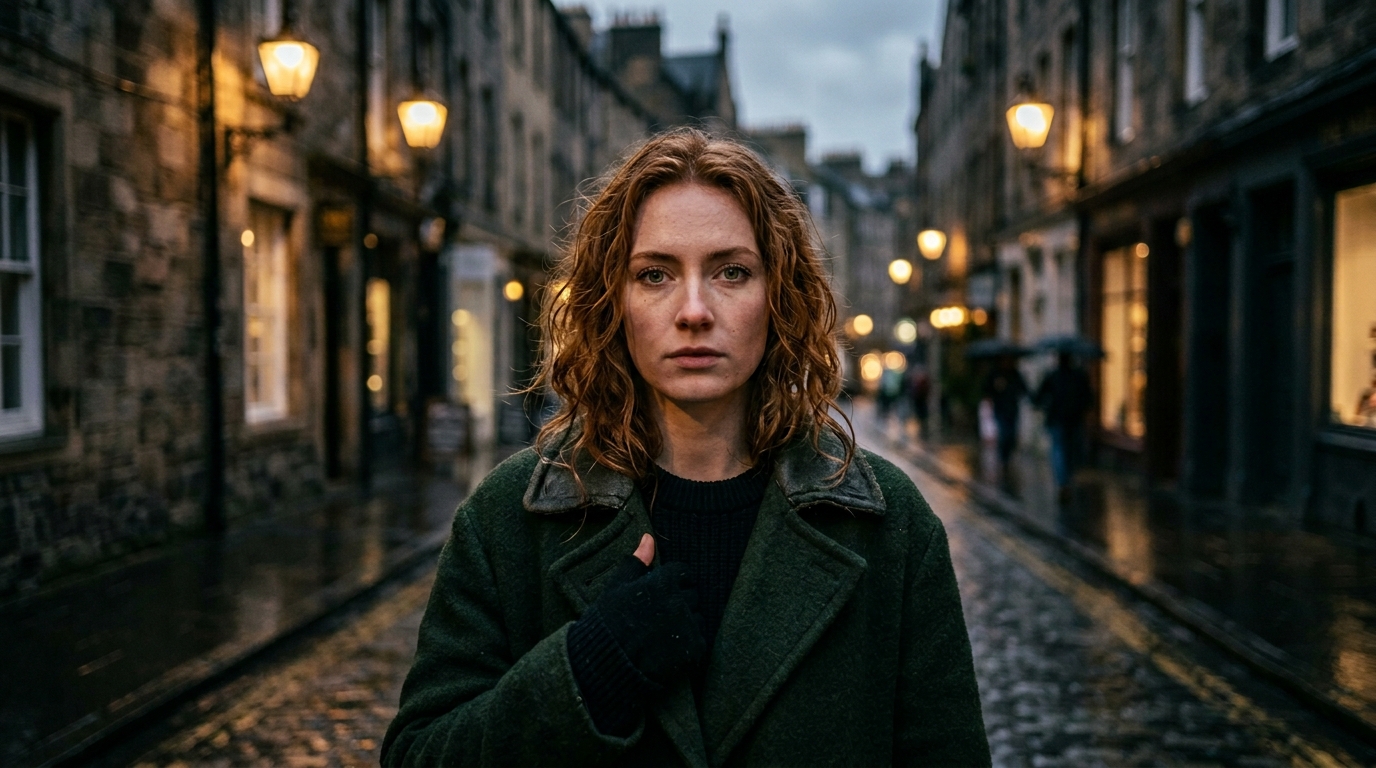
Reference frame: portrait of woman. Motion: subtle head turn right, hair movement, eyes blink naturally. motion_bucket_id: 40, fps: 12, 2 seconds
Low motion_bucket_id (40) is appropriate for portrait animations where you want lifelike subtlety rather than exaggerated movement. Higher FPS (12) makes facial and hair motion feel smooth and natural.
Landscape — Ocean Horizon
Reference frame: ocean horizon. Motion: waves advancing and retreating, camera static, horizon stable. motion_bucket_id: 100, fps: 8, 4 seconds
A higher motion_bucket_id (100) is appropriate for dynamic water motion. Explicitly stating "camera static, horizon stable" guides SVD to concentrate motion energy on the waves rather than the entire frame.
Tips for Running SVD Locally
- ComfyUI is the recommended interface: The SVD node in ComfyUI gives direct access to all parameters. Use the official SVD ComfyUI workflow from the Stability AI repository as a starting point.
- Start with
motion_bucket_id: 100–127: This balanced range produces good results for most scenes. Adjust up for more dynamism, down for calmer output. - Use high-quality conditioning images: SVD will attempt to maintain fidelity to your reference frame. Blurry or low-resolution input images produce blurry output video.
- Set
augmentation_levellow (0.02): Unless you want creative deviation from your reference image, keep this near zero for faithful results. - SVD-XT for longer clips: If your GPU has 16GB+ VRAM, prefer SVD-XT for the additional frames and smoother motion arcs it provides.
- Batch experiment with motion_bucket_id: Small incremental changes (e.g., 80 vs. 100 vs. 120) can produce meaningfully different results. Run multiple generations to find the sweet spot for each scene.
Frequently Asked Questions
What is Stable Video Diffusion?
Stable Video Diffusion (SVD) is Stability AI's open-source video generation model. It works primarily as an image-to-video model: you supply a conditioning image as the first frame, and SVD generates subsequent frames based on the motion type, FPS, and motion amount you specify. Its open-source nature means you can download the weights, run it locally on your own hardware, and fine-tune it for specific use cases.
How do I run SVD locally?
The most popular ways to run SVD locally are ComfyUI and the Automatic1111 SD WebUI with the SVD extension. You will need the SVD or SVD-XT model weights from Hugging Face (stabilityai/stable-video-diffusion-img2vid or img2vid-xt), and a GPU with at least 8GB VRAM (16GB recommended for SVD-XT at full resolution). ComfyUI is recommended for its node-based workflow flexibility and active community node ecosystem.
What does motion_bucket_id control?
motion_bucket_id is the primary parameter for controlling how much motion appears in your SVD output. It accepts values from 0 to 255. Low values (0–40) produce subtle, minimal movement — ideal for gentle ambient animations. Medium values (60–120) produce natural, moderate motion appropriate for most scenes. High values (150–255) produce dramatic, high-motion output.
What is the difference between SVD and SVD-XT?
SVD (Stable Video Diffusion) generates 14 frames at up to 576x1024 pixels. SVD-XT (Extended) generates 25 frames at the same resolution, producing longer and smoother clips. SVD-XT requires more VRAM and compute time. Both models accept the same motion_bucket_id, fps_id, and augmentation_level parameters. SVD-XT is generally preferred when sufficient hardware is available.