What is Luma Dream Machine?
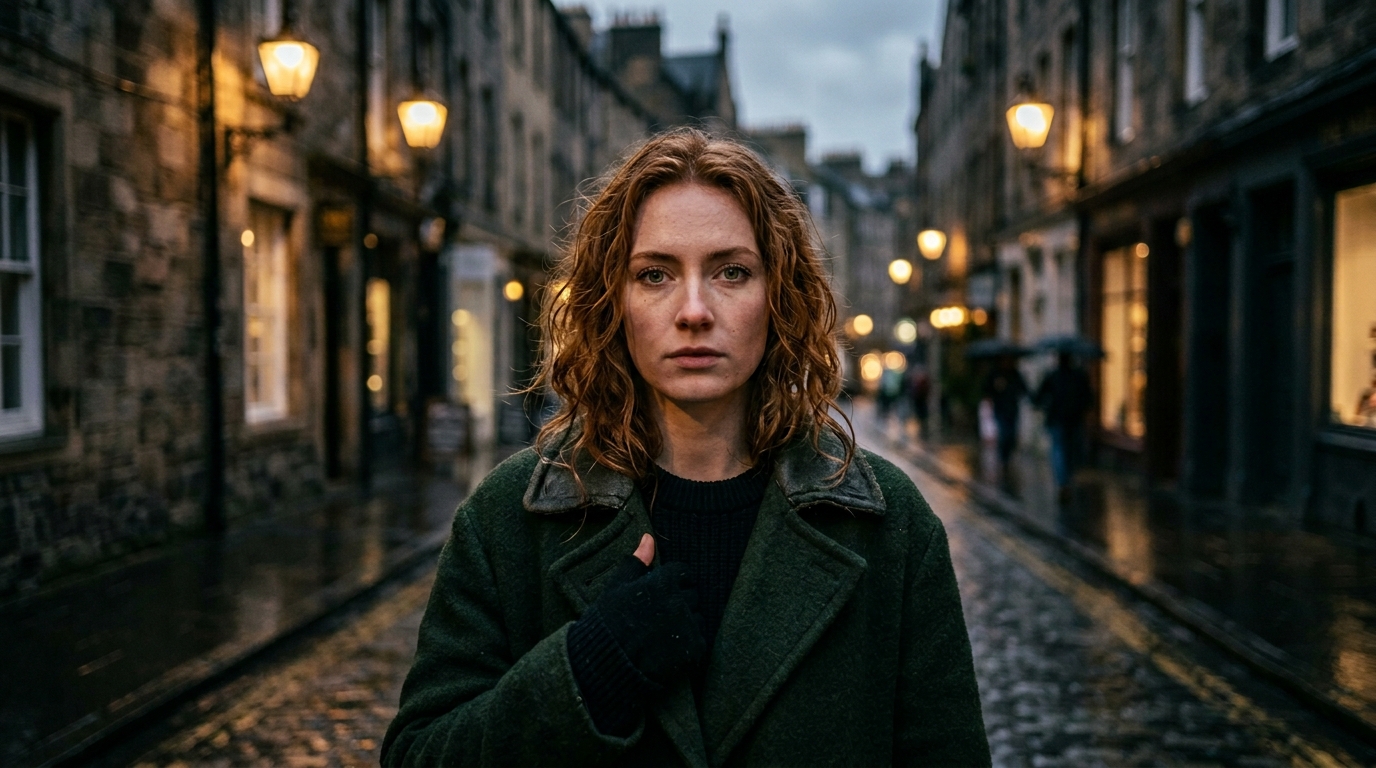
Luma Dream Machine is Luma AI's text-to-video and image-to-video generation model, renowned for producing footage that looks and moves like it was captured by a real camera. While many AI video models prioritize creative stylization, Luma takes a different approach: grounding its outputs in real-world optical physics. The result is video with accurate light behavior, convincing depth of field, and natural camera choreography that feels immediately believable.
Released in 2024 and continuously improved through 2025–2026, Dream Machine has become a top choice for creators who need photorealistic video for product demos, nature content, architectural visualization, and cinematic storytelling. Its image-to-video capability is particularly powerful — you can supply a reference frame and describe the motion, and Luma will animate it with remarkable coherence.
Luma Dream Machine Strengths
- Photorealism: Outputs look genuinely captured rather than AI-generated. Skin tones, reflective surfaces, water, and foliage all behave with physical accuracy.
- Natural camera work: Camera movements respect real-world physics — no jarring teleportation or impossible accelerations unless you specifically request them.
- Depth and parallax effects: The model maintains proper spatial relationships between foreground, midground, and background elements as the camera moves.
- Lighting accuracy: Sunlight direction, shadow behavior, and ambient light all remain consistent throughout the clip.
- Image-to-video: Luma excels at animating still images, making it ideal for bringing photography, illustrations, or renders to life.
How Luma Interprets Prompts
Luma Dream Machine responds best to concise, camera-aware descriptions. Unlike Sora which thrives on narrative paragraphs, Luma works well with focused cinematic shorthand. Describe what you see through the lens: where the camera is positioned, how it moves, what the subject is doing, and the quality of light.
Key principles for effective Luma prompts:
- Start with the subject and environment, then specify camera position and movement
- Use real-world cinematography terms: "tracking shot", "dolly in", "crane up", "handheld"
- Specify pace — Luma excels at slow and medium pace shots; rapid cuts work less reliably
- Describe lighting quality directly: "warm golden hour", "soft overcast", "dramatic rim light"
- Include duration as a hint (e.g., "5 seconds", "8 seconds") to help the model pace the motion
Example Luma Dream Machine Prompts
Ocean Sunrise — Nature Cinematography
Ocean waves slowly washing over smooth rocks at sunrise, camera stays low at water level, golden light glinting off water surface, 6 seconds, photorealistic
This prompt works because it anchors the camera at a specific height ("low at water level"), describes natural light behavior ("golden light glinting"), and specifies a slow, meditative pace ideal for Luma's strengths.
City Time-Lapse — Urban Cinematic
City street time-lapse from rooftop, clouds moving fast overhead, people and cars blurring below, day to dusk transition, 8 seconds, cinematic
Luma handles time-lapse aesthetics convincingly. The "day to dusk transition" instructs a lighting change across the clip — something Luma manages well when the pace of change is implied by the duration.
Macro Nature — Extreme Close-Up
Single flower opening in extreme close-up, petals unfurling in real-time, morning dew drops rolling off petals, 5 seconds, nature documentary style
Macro subjects benefit from Luma's depth accuracy. The "nature documentary style" style cue aligns the output toward neutral, observational camera work rather than stylized movement.
Tips for Cinematic Results with Luma
- Use real-world camera terms: "dolly in", "crane shot", "rack focus", "push in", "pull back", "pan left" — Luma understands these and executes them believably.
- Describe depth and parallax: Mention foreground elements to trigger parallax. "Tall grass in the foreground, mountains in the distance, slow pan right" creates convincing depth.
- Specify pace explicitly: "slow motion", "real-time", "time-lapse" significantly shape the output rhythm. Luma's sweet spot is slow-to-medium paced motion.
- Anchor lighting quality: Describe the light source and quality before the action: "soft diffused morning light" sets the entire tone of the clip.
- Keep prompts focused: Unlike narrative-heavy models, Luma performs best with 1–2 subjects and a clear singular action. Avoid trying to describe multiple simultaneous complex events.
Frequently Asked Questions
What is Luma Dream Machine best for?
Luma Dream Machine excels at photorealistic video generation with natural camera movement. It is the go-to model when you need videos that look like they were shot with a real camera — accurate lighting, natural depth of field, and convincing parallax effects. It performs especially well for nature footage, product showcases, and cinematic establishing shots.
Does Luma support image-to-video?
Yes. Luma Dream Machine supports image-to-video generation, allowing you to animate a still image. When using image conditioning, focus your text prompt on the type of motion and camera movement you want — Luma will apply that motion to the visual content of your source image.
How is Luma different from Sora?
Luma Dream Machine prioritizes photorealism and natural camera physics, making it ideal for grounded, realistic video content. Sora from OpenAI emphasizes complex narrative understanding and multi-element scene coherence. Luma tends to excel at "a camera capturing something real"; Sora excels at "tell me a short story visually". Prompt style also differs: Luma responds well to concise cinematic camera descriptions, while Sora handles full narrative paragraphs.
Is Luma Dream Machine free?
Luma AI offers a free tier at lumalabs.ai that includes a limited number of video generations per month. Paid plans unlock higher resolution, longer duration, and more monthly generations. This ImageToPrompt prompt generator is completely free to use for crafting and optimizing your Luma prompts.