You open Midjourney, type "a cool dragon," and hit enter. The result is... fine. Generic, even. Your friend types something completely different and gets a stunning cinematic masterpiece. What's the difference? The prompt.
Writing effective AI image prompts is a learnable skill. It's not magic, and you don't need to be an artist or a programmer. This tutorial will take you from writing one-word prompts that produce mediocre results to crafting detailed, structured prompts that consistently generate exactly the image you visualize.
By the end of this guide, you'll understand the five core elements every great prompt contains, how to build prompts step by step, and how to use a tool like ImageToPrompt to reverse-engineer prompts from images you love.
Why Good Prompts Matter (And What Makes a Bad One)
AI image generators like Midjourney, Stable Diffusion, DALL-E 3, and Flux are not mind readers. They're pattern-matching engines trained on billions of images and their captions. When you type a prompt, the model searches its learned associations and generates an image that statistically matches what you described.
A bad prompt fails in one of three ways:
- Too vague: "a landscape" could be anything — a watercolor painting, a photograph, a pixel art scene, day or night, mountains or beach. The model will guess.
- Contradictory: "dark bright neon photorealistic cartoon" sends the model in multiple directions at once. The output will be confused.
- Missing context: "a woman" tells the model nothing about age, ethnicity, expression, clothing, setting, lighting, or style. You'll get the most average possible woman in the most average possible setting.
A good prompt is specific, consistent, and layered. It tells the model what you want to see, how it should look, and the technical parameters it needs to match your vision.
The 5 Elements of Every Great AI Image Prompt
Great prompts are built from five building blocks. You don't always need all five — sometimes a strong two-element prompt is more effective than a weak five-element one — but understanding all five gives you full control.
1. Subject
The subject is the main thing in your image: a person, an object, a creature, a place, or an abstract concept. This is the most critical element. Be specific.
- Weak: "a dog"
- Better: "a golden retriever puppy"
- Strong: "a golden retriever puppy sitting in autumn leaves, looking up at the camera with tongue out"
2. Style
Style tells the model what visual language to use. Without a style, the model picks one for you — usually photorealistic or whatever was most common in its training data for that subject.
- Photography styles: portrait photography, street photography, macro photography, aerial photography
- Illustration styles: watercolor, ink illustration, flat design, editorial illustration
- Painting styles: oil painting, impressionist, acrylic painting, gouache
- Digital art styles: concept art, digital painting, 3D render, pixel art
- Specific artists (use carefully): "in the style of Studio Ghibli," "impressionist like Monet"
3. Composition
Composition describes how the subject is framed within the image. This is something many beginners skip, but it dramatically affects the final output.
- Shot types: close-up, medium shot, full body, wide shot, establishing shot
- Camera angle: eye level, low angle, high angle, bird's eye view, worm's eye view, Dutch angle
- Framing techniques: rule of thirds, centered composition, golden ratio, negative space
- Depth: shallow depth of field, deep focus, bokeh background
4. Lighting
Lighting can transform an image from flat and boring to emotionally powerful. Professional photographers obsess over light because it defines how everything looks. Your AI model understands lighting language.
- Time of day: golden hour, blue hour, midday, nighttime, overcast
- Light source: studio lighting, natural light, candlelight, neon lighting, bioluminescence
- Quality: soft light, hard light, diffused light, dramatic shadows, high contrast
- Direction: front-lit, backlit (silhouette), side-lit (Rembrandt lighting), rim light
5. Technical Parameters
Technical parameters are model-specific instructions that control output quality and format. These vary by platform but typically include aspect ratio, quality modifiers, and rendering style.
- Aspect ratio: 16:9 (landscape), 9:16 (portrait/stories), 1:1 (square), 4:5 (Instagram portrait)
- Quality markers (Midjourney): --quality 2, --stylize 750
- Quality tokens (Stable Diffusion): "masterpiece, best quality, ultra-detailed"
- Rendering: 8K resolution, photorealistic, hyperrealistic, cinematic
Starting Simple: Single Subject Prompts and How to Expand Them
The best way to learn prompt writing is to start with a single subject and layer complexity progressively. Here's a live example:
| Iteration | Prompt | What Changed |
|---|---|---|
| 1 | a lighthouse | Starting point |
| 2 | a lighthouse on rocky cliffs | Added environment |
| 3 | a lighthouse on rocky cliffs during a storm | Added weather/mood |
| 4 | a lighthouse on rocky cliffs during a storm, dramatic waves crashing, oil painting | Added style |
| 5 | a lighthouse on rocky cliffs during a storm, dramatic waves crashing, oil painting, golden light breaking through clouds, low angle shot | Added lighting and composition |
| 6 | a lighthouse on rocky cliffs during a storm, dramatic waves crashing, oil painting by J.M.W. Turner, golden light breaking through storm clouds, low angle wide shot, highly detailed, impasto texture | Added artist reference and texture detail |
Each iteration adds specificity without contradicting the previous elements. The final prompt will produce a dramatically more impressive result than the first — and you can see exactly why at each step.
Understanding How Different AI Models Interpret Prompts
Not all AI image generators work the same way. The same prompt will produce very different results across platforms, and understanding these differences saves you hours of frustration.
Midjourney
Midjourney responds well to aesthetic and emotional language. It's trained on high-quality curated art and photography, so it has strong aesthetic defaults. It uses parameter flags (--ar, --style, --chaos) after the main prompt and weights with double colons (::). Natural language descriptions work well. See our complete Midjourney prompt guide for deeper coverage.
Stable Diffusion
Stable Diffusion uses comma-separated token lists rather than natural language sentences. Quality tokens at the start of the prompt heavily influence output. It has a separate negative prompt field for excluding unwanted elements. Token weights like (important:1.3) give you fine-grained control. See our SD vs Midjourney vs DALL-E comparison for more.
DALL-E 3
DALL-E 3 (used in ChatGPT) understands natural language extremely well and follows instructions literally. It's the best model for beginners because you can write conversational prompts. It automatically refuses certain content and rewrites prompts internally for safety.
Flux
Flux (developed by Black Forest Labs) handles natural language like DALL-E 3 but produces images with more photographic realism. It's excellent for complex compositional scenes described in plain English. See our Flux AI prompt guide for model-specific tips.
Subject Vocabulary: What to Call Things
Using the right vocabulary in your prompts activates specific associations in the model's training data. Here are the terms that produce the most consistent results:
People
- Age: toddler, child, teenager, young adult, middle-aged, elderly
- General: person, man, woman, figure, silhouette, portrait subject
- Roles: warrior, scientist, merchant, explorer, chef, musician
- Expressions: smiling, contemplative, stoic, joyful, melancholy, fierce
- Clothing: casual, formal, medieval armor, futuristic suit, Victorian dress
Places and Environments
- Natural: forest, mountain range, ocean cliff, desert dunes, arctic tundra, tropical jungle
- Urban: city street, rooftop, alleyway, subway station, market square
- Interior: cozy cabin, gothic cathedral, minimalist apartment, ancient library, space station
- Scale cues: vast, intimate, towering, cramped, sprawling
Objects and Props
When including objects, specify material, condition, and context: "a weathered leather journal with gold clasps" versus "a book." "A glowing orb of swirling blue energy, floating" versus "a ball."
Style Vocabulary: Photography, Illustration, Painting, 3D
Style vocabulary is where beginners can make the biggest gains. Here are specific terms that reliably produce distinct visual aesthetics:
Photography Styles
- Portrait: studio portrait, environmental portrait, candid portrait, headshot
- Landscape: landscape photography, long exposure, HDR photography
- Documentary: street photography, photojournalism, documentary style
- Commercial: product photography, editorial photography, fashion photography
- Technical: macro photography, aerial photography, underwater photography
Illustration and Painting
- Watercolor: loose watercolor, detailed watercolor illustration, botanical watercolor
- Ink: pen and ink illustration, crosshatching, brush ink painting, manga style
- Oil painting: classical oil painting, impressionist oil, alla prima, plein air
- Digital illustration: flat vector illustration, character concept art, children's book illustration
3D and Digital
- 3D render: octane render, Blender 3D, Cinema 4D, unreal engine 5
- Game art: pixel art, low poly art, isometric game art, concept art
- Sci-fi/fantasy: digital painting, matte painting, cinematic concept art
Composition Terms That Actually Work
These compositional keywords reliably change how the subject is framed in the output:
| Term | What It Does | Best For |
|---|---|---|
| close-up / extreme close-up | Fills frame with subject detail | Portraits, textures, details |
| medium shot / waist up | Shows subject from waist to head | Portrait, character art |
| full body shot | Shows entire person head to toe | Fashion, character design |
| wide shot / establishing shot | Subject small in environment | Landscapes, scenes |
| bird's eye view / top-down | Looking straight down | Maps, food, flat lay |
| worm's eye view | Looking straight up | Architecture, heroic poses |
| Dutch angle | Camera tilted diagonally | Tension, unease, action |
| rule of thirds | Subject off-center | Natural-feeling compositions |
| shallow depth of field | Background blurred (bokeh) | Portraits, product shots |
| symmetrical composition | Perfect mirror balance | Architecture, formal portraits |
Lighting Terms That Transform Images
Lighting is the single most underused element in beginner prompts. Adding one specific lighting term can transform a flat, generic image into something cinematic.
Natural Lighting
- Golden hour: warm orange-gold light, long shadows, romantic and cinematic feel
- Blue hour: cool blue twilight just after sunset, atmospheric and moody
- Overcast: soft diffused light, no harsh shadows, great for portraits
- Harsh midday sun: high contrast, strong shadows, intense and energetic
- Moonlight: cool silver-blue light, mysterious, low visibility
Artificial and Special Lighting
- Studio lighting: controlled, professional, even light with fill and key lights
- Rembrandt lighting: dramatic side light with triangular highlight on cheek
- Neon lighting: colorful urban glow, cyberpunk aesthetic, color reflections
- Candlelight / firelight: warm flickering orange, intimate and primal
- Bioluminescence: glowing blue-green underwater or forest light
- Volumetric light / god rays: visible light beams through atmosphere
- Backlit / silhouette: subject dark against bright background
Adding Mood and Atmosphere
Mood words work as semantic shorthand that activates entire clusters of visual associations. A single mood word can change color palette, contrast, composition tendency, and even subject expression.
- Epic / cinematic: wide shot, dramatic lighting, high contrast, sweeping scope
- Serene / peaceful: soft light, muted palette, open space, gentle subject
- Melancholy / somber: desaturated colors, overcast light, isolated subject
- Whimsical / magical: pastel colors, sparkles, fantasy elements, soft focus
- Gritty / raw: high grain, desaturated, urban, worn textures
- Mysterious / ethereal: fog, mist, diffused light, ambiguous depth
- Vibrant / energetic: saturated colors, dynamic composition, motion blur
- Cozy / warm: warm tones, soft light, intimate framing, comfortable setting
Your First Prompt: Step-by-Step Walkthrough
Let's build a complete prompt from scratch. The goal: a cinematic portrait of a female astronaut on an alien planet.
Step 1: Define the subject
"a female astronaut in a worn spacesuit"
Step 2: Add the environment
"standing on the surface of a red alien planet, jagged rock formations in the background, two moons visible in the sky"
Step 3: Choose a composition
"medium shot, low camera angle looking slightly up at her, rule of thirds"
Step 4: Define the lighting
"warm orange sunset light from the left, long shadows, rim light from a distant star"
Step 5: Pick a style
"cinematic photography, hyperrealistic, 8K, sharp focus"
Step 6: Add mood
"epic, solitary, awe-inspiring"
The Complete Prompt
a female astronaut in a worn spacesuit standing on the surface of a red alien planet, jagged rock formations in the background, two moons visible in the sky, medium shot, low camera angle looking slightly up at her, warm orange sunset light from the left, long shadows, rim light from a distant star, cinematic photography, hyperrealistic, 8K, sharp focus, epic, solitary, awe-inspiring
This prompt will produce dramatically more impressive results than "an astronaut on a planet." Every word earns its place.
Common Beginner Mistakes and How to Avoid Them
Mistake 1: Using adjectives without nouns
"Beautiful, amazing, stunning" — these don't tell the model what looks beautiful. Instead: "beautiful detailed oil painting" or "stunning golden hour portrait photography."
Mistake 2: Asking for what you don't want
"A portrait without sunglasses" forces the model to think about sunglasses. Instead, just describe what you want: "a portrait, eyes visible and expressive." In Stable Diffusion, move unwanted elements to the negative prompt.
Mistake 3: Stacking contradictory styles
"Photorealistic watercolor 3D render illustration" — pick one or two compatible styles. Photorealistic and watercolor are opposites.
Mistake 4: Ignoring aspect ratio
A landscape scene in a square format will lose half its impact. Always specify aspect ratio when you know the intended use: --ar 16:9 for landscape, --ar 9:16 for portraits/stories, --ar 1:1 for social media.
Mistake 5: Changing everything at once
When an image doesn't turn out right, changing 10 things in your prompt makes it impossible to know what fixed it. Change one element at a time and iterate.
Mistake 6: Trusting only text description
If you have a reference image in mind, use it. Tools like ImageToPrompt can analyze any image and extract the exact prompt elements that define its style — which you can then adapt for your own project.
Practice Exercises: 5 Prompts to Try Right Now
The best way to internalize prompt writing is to practice. Here are five exercises that will stretch different skills:
Exercise 1: The Portrait Challenge
Write a portrait prompt using: one person type + one setting + one lighting type + one style. Then generate it, identify what you'd change, and iterate twice.
Starter: elderly fisherman, harbor at dawn, golden hour backlight, documentary photography
Exercise 2: The Style Swap
Take the same subject and generate it in 3 completely different styles. Note how much the style alone changes the feeling.
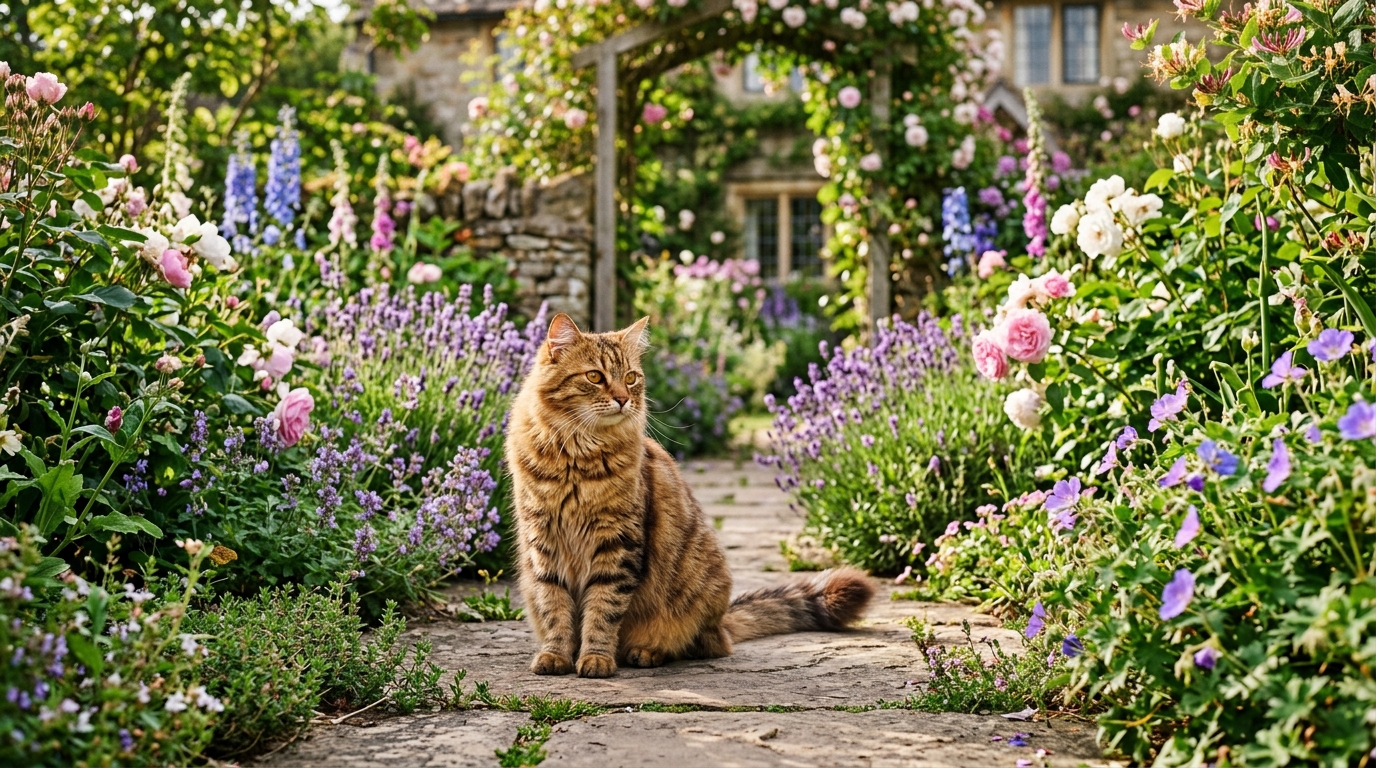
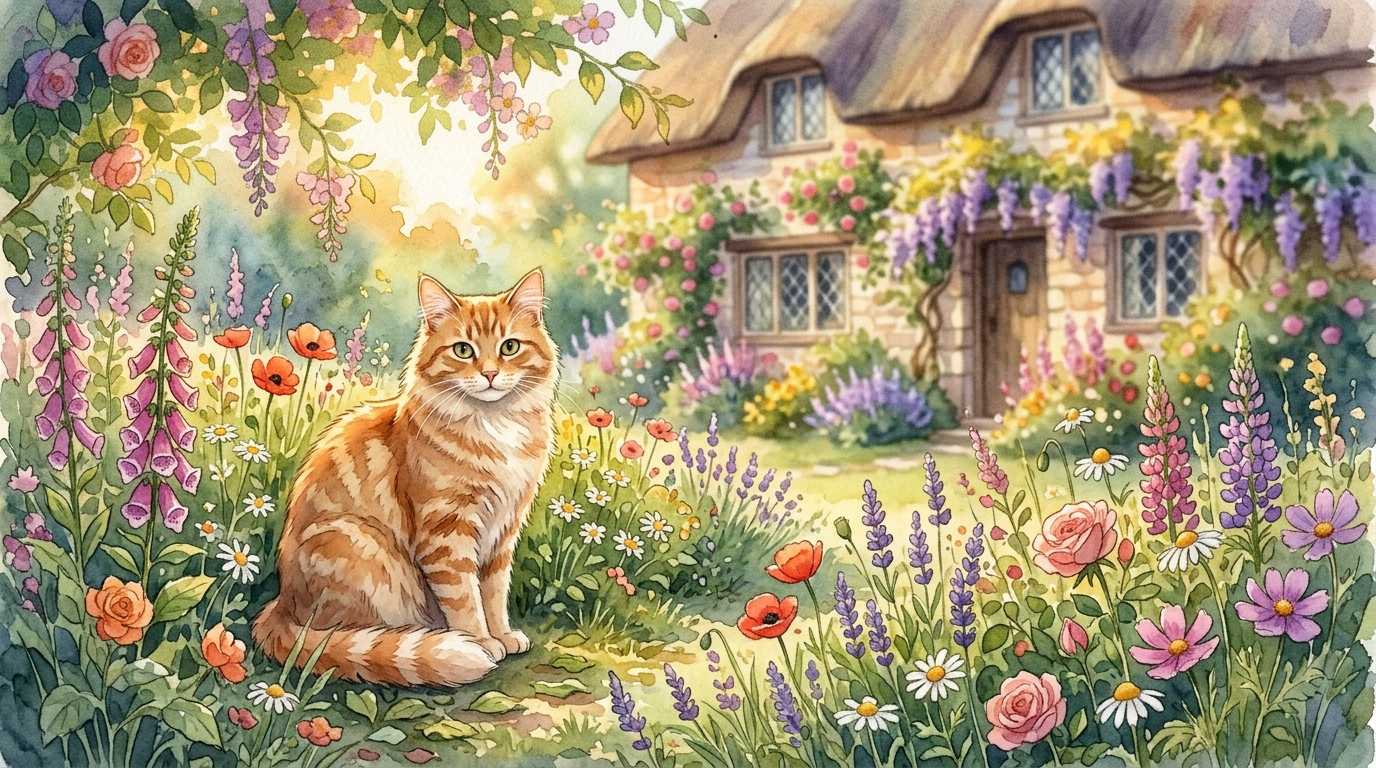
Subject: a cat sitting on a windowsill in rain → try: watercolor illustration, dark moody photography, neon-lit digital art
Exercise 3: The Lighting Study
Take one simple subject ("a wooden table with a vase of flowers") and generate it with 5 different lighting conditions. Compare the emotional difference.
Exercise 4: The Detail Escalation
Start with a 3-word prompt. Add elements one by one, generating after each addition, until you have 8+ elements. Document how each addition changed the output.
Exercise 5: The Reverse Engineer
Find an image online that you love. Use ImageToPrompt to extract its prompt. Study the extracted prompt to understand what makes that image work, then adapt it for a different subject.
Using ImageToPrompt to Learn From Images You Love
One of the fastest ways to level up your prompt writing is to analyze images that already look the way you want your images to look. ImageToPrompt does exactly this: you upload any image, and Claude Vision analyzes it to extract a detailed, usable AI generation prompt.
Here's how to use it as a learning tool:
- Find images with aesthetics you want to replicate (on Behance, Pinterest, Artstation, etc.)
- Upload them to ImageToPrompt
- Read the extracted prompt carefully — note which elements create the style you love
- Build a prompt template from the pattern you notice across multiple similar images
- Adapt that template to your new subject
This workflow turns beautiful images into a personal prompt vocabulary. Within a week of consistent practice, you'll have a library of phrases that reliably produce the aesthetics you're after.
For model-specific guidance, see our deep dives: Midjourney Prompt Guide 2026, Stable Diffusion Prompt Guide, and our advanced prompt engineering guide.